Upload
Choose a PDF, JPG or PNG. Rotate or crop an image, or choose the page order of a PDF.

Intelligent piano practice
Practice note by note with microphone feedback. Turn PDFs, photos and MP3 recordings into editable scores for your private library.
Browse freely. Practice with a membership.
Hear it. Understand it. Make it yours. Three practice modes, one beautifully connected score.
This is an interactive illustration, not live microphone feedback.
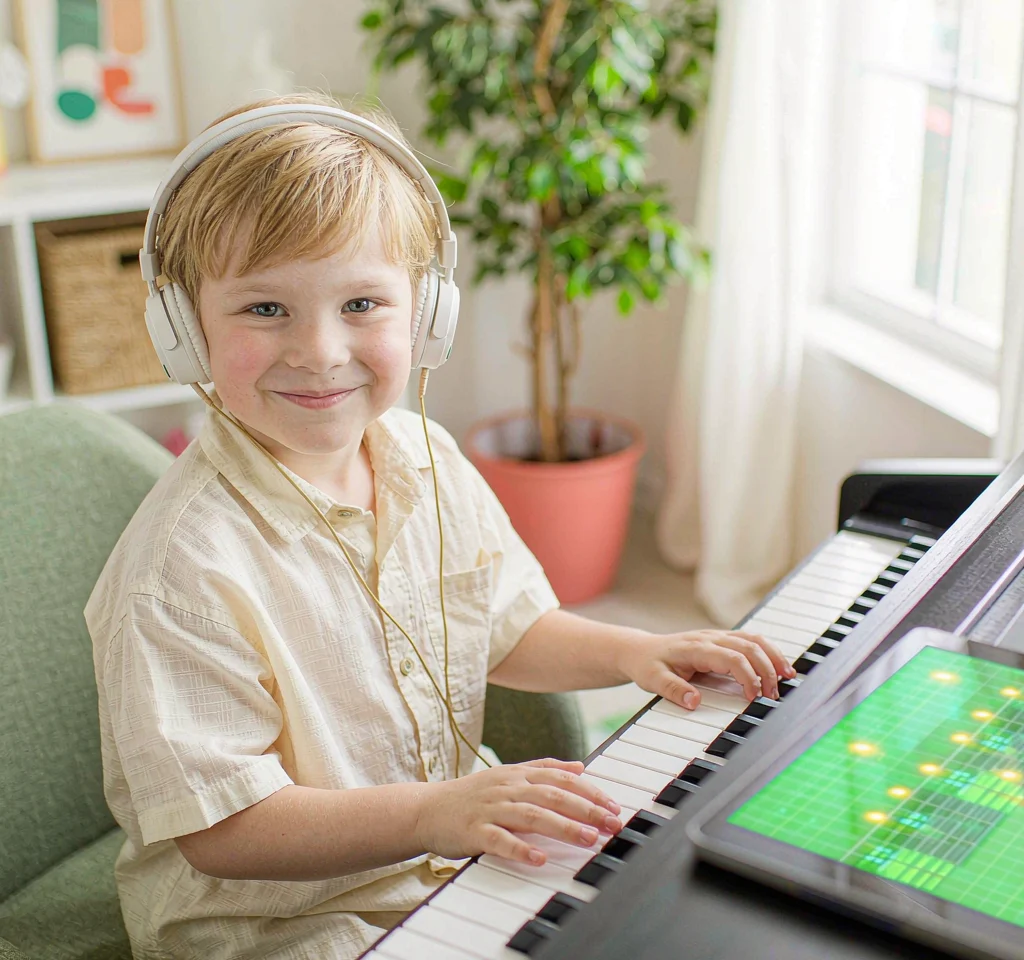
Smart piano practice
Listen to a demonstration, learn note by note and repeat the measures that need your attention. Your microphone follows your playing.
Explore piano practice ↗Browse free · Membership for practice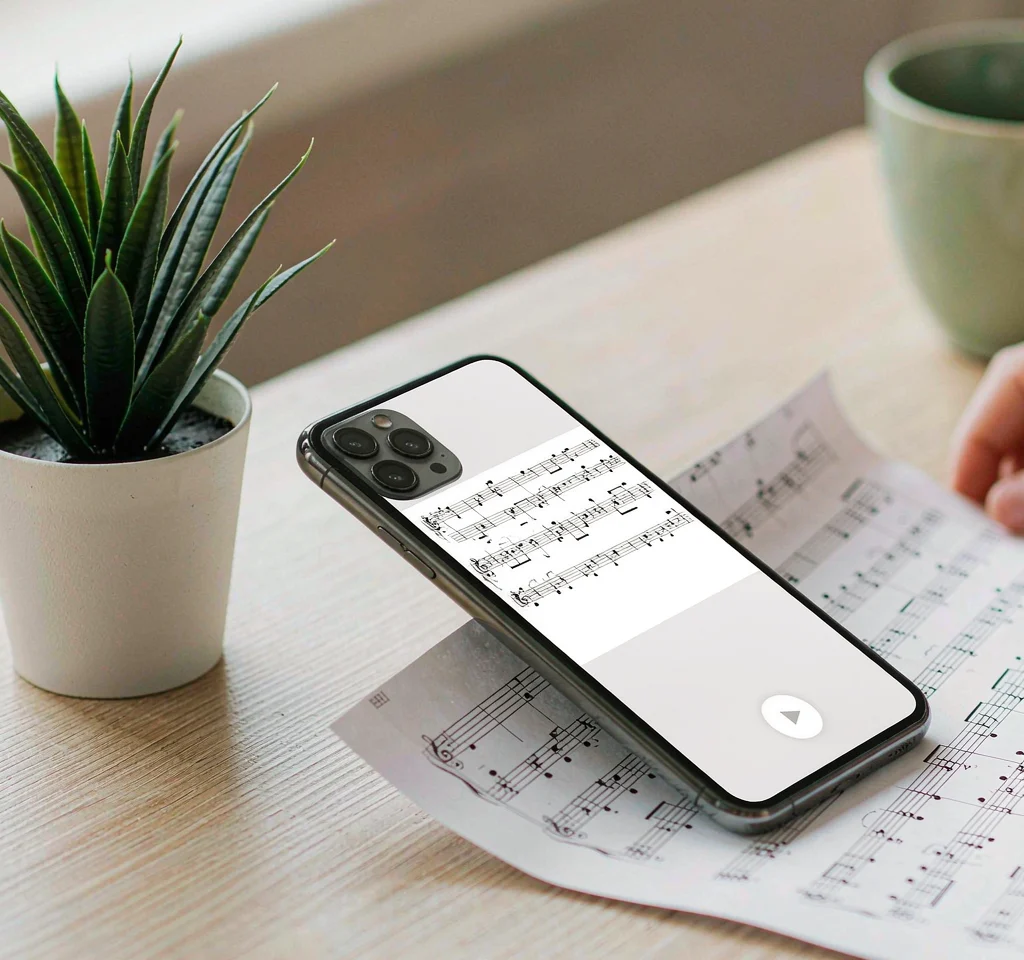
PDF & image to score
Turn a PDF, scan or photo of printed music into an interactive score. Review the notes and bring it into your private practice space.
Explore score conversion ↗Review before practice · Membership feature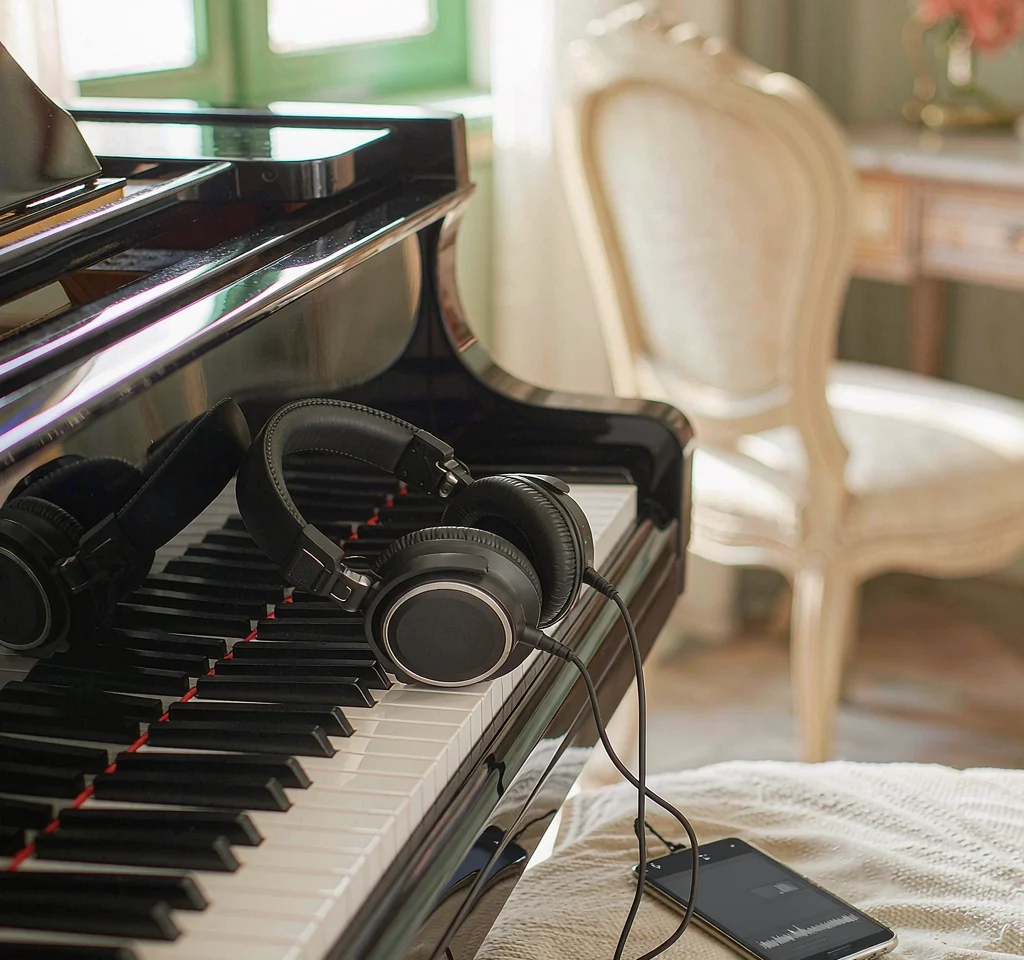
MP3 to sheet music
Create a score draft from a piano recording. Listen, correct and export MIDI or MusicXML. Complex recordings need more review.
Explore audio transcription ↗Separate minute credits · Preview when availableThat piece you’ve always wanted to play? Bring it along. Turn a PDF or photo into a score you can review, correct and practice.
Upload your sheet musicReview before you play
Choose a PDF, JPG or PNG. Rotate or crop an image, or choose the page order of a PDF.
Compare the original with the recognized score. Correct notes and durations, then confirm your version.
Follow your reviewed score with Demo, Learn Notes and Improve. Your music stays in your private library.
Recognition can make mistakes. Review is required before practice; complex notation may need correction or a clearer source. Upload only music you have permission to use.
Explore three original studies, graded to help you find a comfortable place to start.
Explore the library
No special hardware. No cables between you and the music. Your microphone listens while you play your acoustic piano or digital piano speakers.
Practice audio is processed on your device. Your score uploads stay in your private library.
Weekly and monthly reports make it easier to see what you’ve practiced and what to revisit. No streaks to protect.
Browse graded music or upload a score you want to learn.
Listen, choose a hand, slow down and work through a short section.
Use your report to decide which measures deserve another visit.
Explore public scores and playing tips before subscribing. Sign in and choose a membership to practice and upload scores.
$59 billed yearly. About $4.92 per month.
Start your practicePrices in USD. Renews automatically. Applicable taxes appear at checkout. Cancel renewal in your billing portal; access continues until the paid period ends.
Initial upload allowance: 100 recognized pages/month, up to 10 pages and 10 MB per file. Failed recognition releases the page reservation.
No MIDI connection is required. Allow microphone access and let your device hear your acoustic piano or digital piano speakers. Headphones on a digital piano may stop the microphone from hearing it.
Yes. Upload a PDF, JPG or PNG of printed piano music. Recognition creates a digital score for you to compare and correct before practicing. It is not guaranteed to recognize every page perfectly.
A reviewed digital score can follow the practice timeline, highlight the target note group and show the matching piano keys. Demo, Learn Notes and Improve use the same score version.
Yes. Public music pages include the score preview, keyboard, introduction and playing tips. Practice, score conversion and private-score practice require an account and an active subscription.
Practice audio is processed locally in the browser. Practice summaries sync to your account. Uploaded score files are processed separately in the private score-recognition workflow.
Use an up-to-date browser with HTTPS, microphone access, AudioWorklet and WebAssembly. Check your input before playing. Real-device compatibility and recognition quality are still being validated.